
One View of Everything You Operate

Without a central platform, visibility into a fleet of vending machines and cribs is piecemeal at best — a phone call to a site manager, someone's spreadsheet, or nothing at all until a machine runs dry. There's no single place to see stock levels, user activity, or machine health across every location. And because nobody can see the whole picture, managing it becomes manual, site-by-site work too — configuration changes, reporting, and reordering multiplied by however many machines and locations an operation has.

What WebSync Is

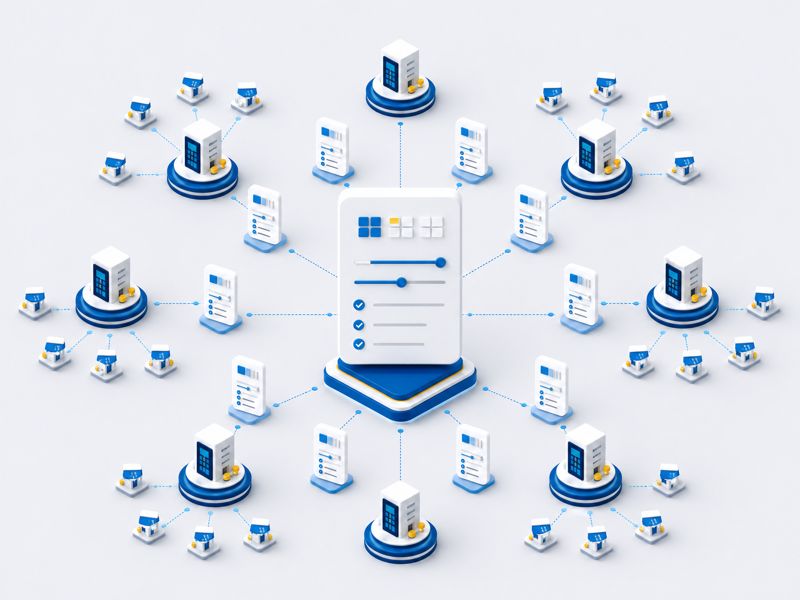
WebSync is the cloud platform that sits above every connected SupplyPoint machine and crib — giving you one view of inventory status and activity across all your operations, in near real time. That same visibility is also where management happens: viewing and editing users and items, running reports, setting up automated tasks, and configuring machines — all from a web browser, from anywhere.

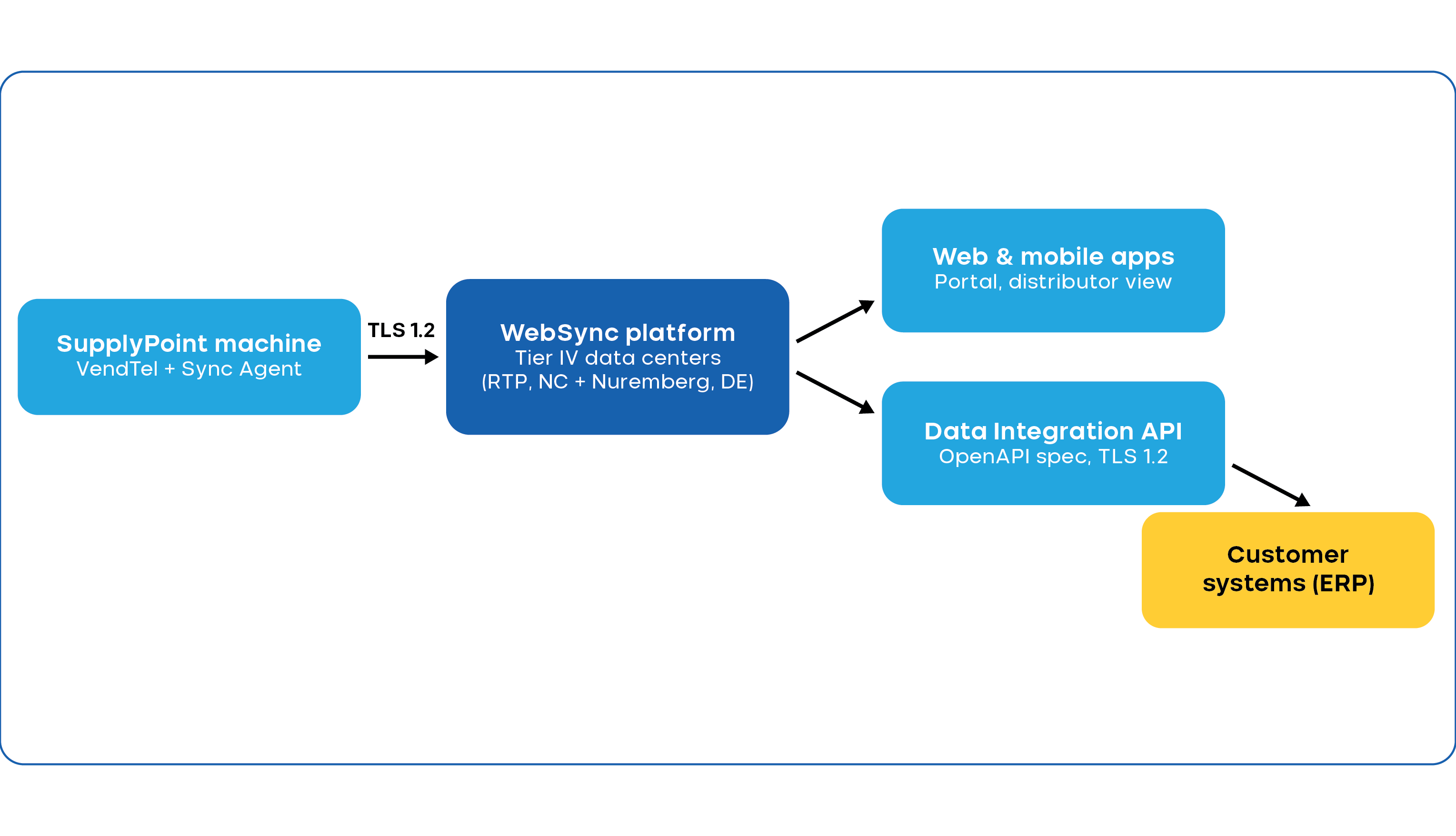
Each SupplyPoint machine syncs with WebSync over an encrypted connection. Critically, every connection is initiated by the machine — which allows IT teams to configure access in a secure manner.

WebSync Workflow

WebSync & Portal

A Portal is a dedicated section within WebSync — typically one end-customer location or facility, with its own items, users, and suppliers. A distributor typically has access across every Portal for the customers they manage, from one login (see the Access & Hierarchy section for more).

Near Real-Time, Two-Way Sync

Data from the vending machines are synced on login and logout — event-triggered rather than a fixed batch interval, so the platform reflects what's happening at the machine as it happens, not minutes later. An administrator can also force an immediate sync when a change needs to take effect right away.
Where VendTel Runs

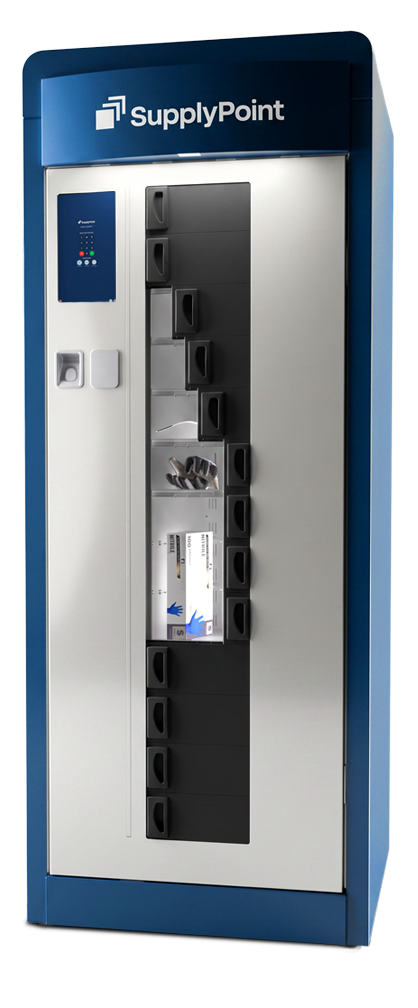
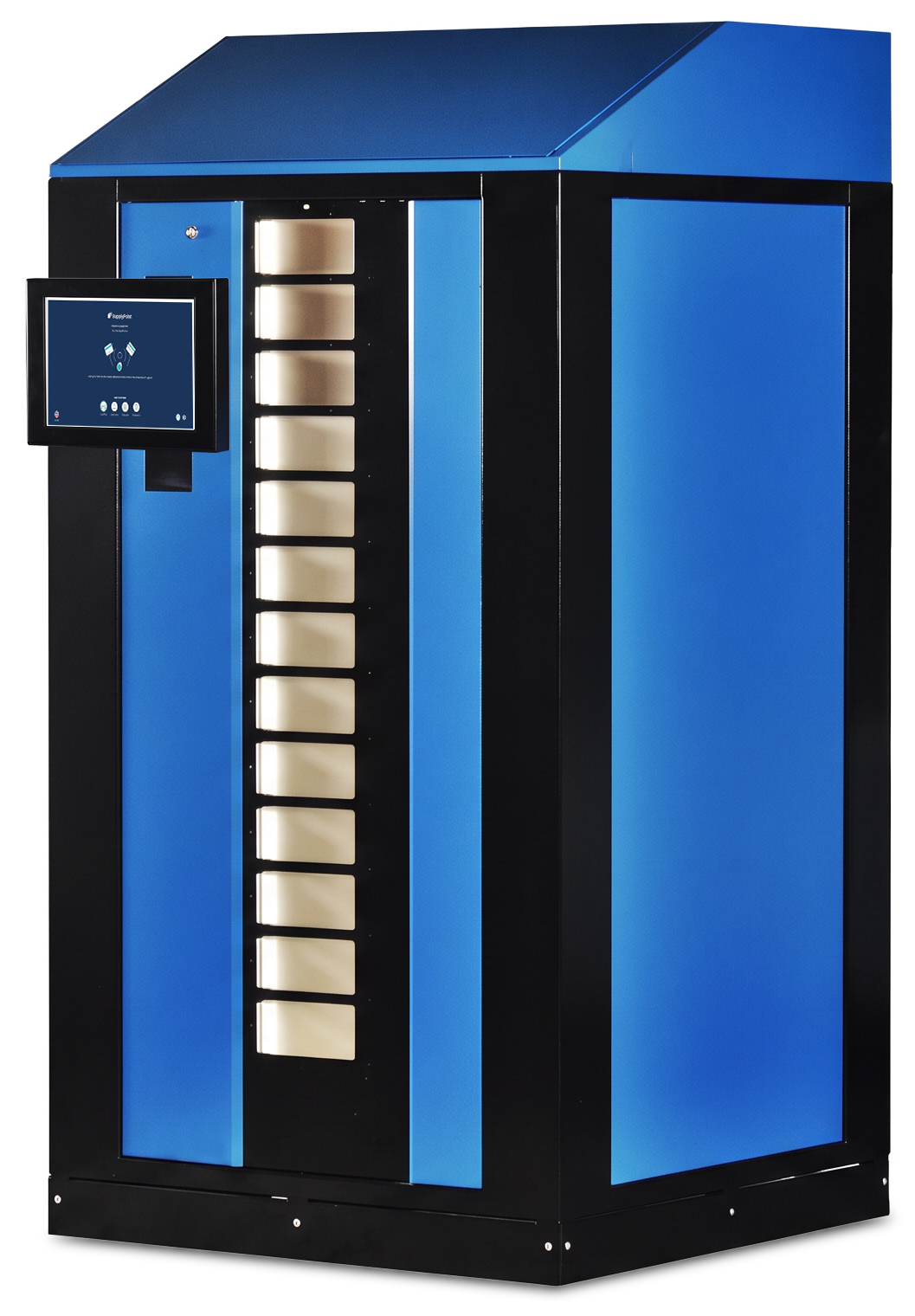
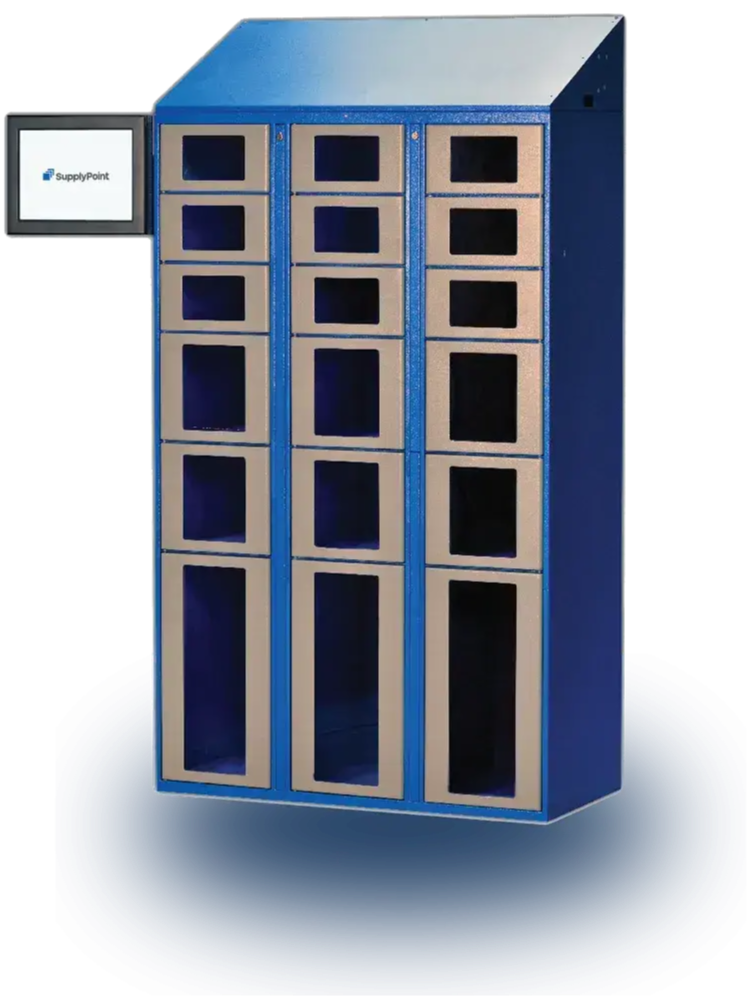
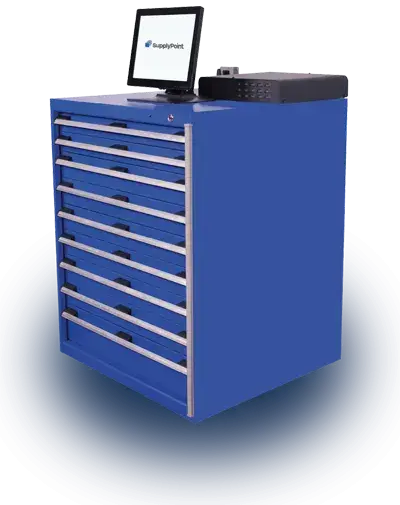
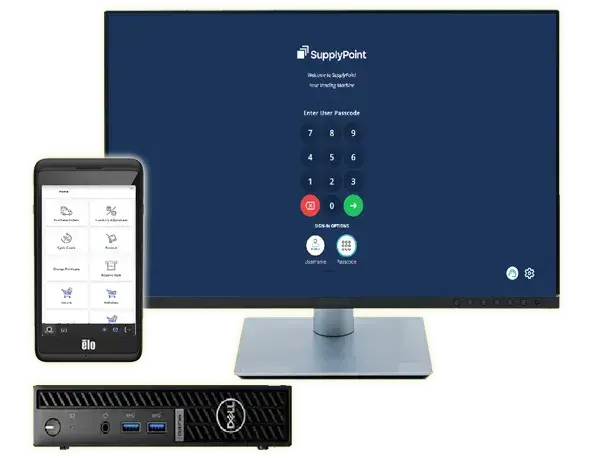
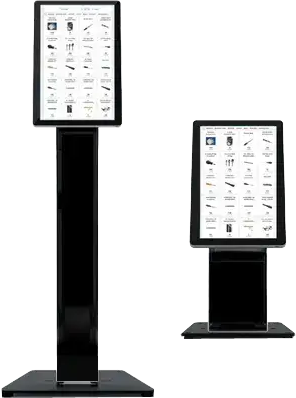
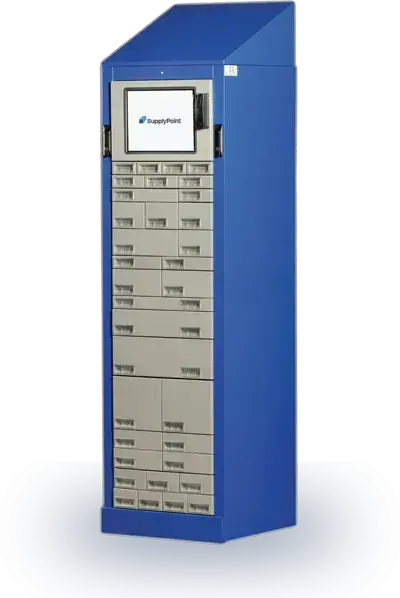
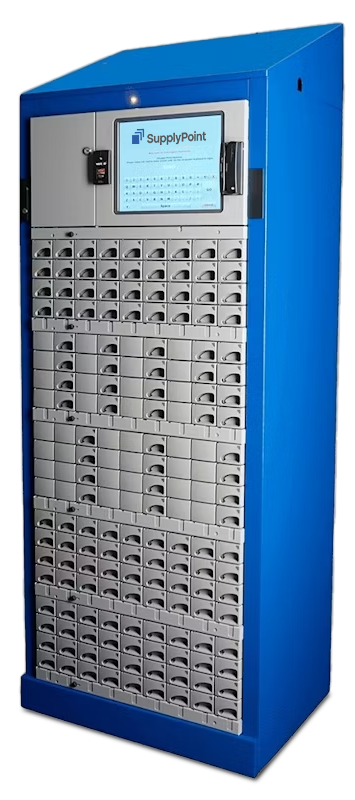
VendTel is the single interface powering every SupplyPoint hardware machine — Rotopoint, RotoFlex, 28 Level, ECTC, Modulo, Lockers, and LockerSense — as well as StoreTel and ViewPoint. One piece of software, one look and feel, wherever a user encounters it.

Supporting Capabilities

Identification & Access Control

  • Identification via virtual keyboard, magnetic card/RFID key fob, or fingerprint
  • Role-based transaction rights per user group (e.g. Foreman: withdraw/return/undo; Refill: restock; Worker: withdraw only)

Item Selection & Basket

  • Product groups/subgroups, grid/list/table views, search, pre-defined item kits
  • Item basket: quick-add, review/adjust quantities, proceed to withdrawal
  • Item detail page with pictures, PDFs, and quantity entry

Personalization & Localization

  • Branding: logo, main color, accent color, and basket/chip color, adjustable at any time
  • Multilingual: numerous menu languages, settable per user, expandable

Reporting & Reordering

VendTel captures every transaction and stock level at the machine and transmits it to WebSync. Reordering triggers automatically once a defined minimum stock level is reached.

Capability Snapshot

A quick-reference view of what WebSync delivers day to day — visibility first, since that's the foundation everything else builds on, then the management capability that visibility unlocks.

Near Real-time Two-way Sync
45+ reports, scheduled
Patch level & version visibility
Anywhere, anytime access
Centralized administration
Force sync
Multi-tiered, role-based access
No local software to install
Backups & disaster recovery
What it does
Data syncs on login, on transaction completion, and on logout — event-triggered rather than a fixed batch interval
Pre-built reports across every part of the platform, customizable and schedulable to run automatically
See patch level and client software version for every managed machine from one list
View and manage vending and inventory data from any browser, from any location
Add and manage items, users, suppliers, and reorder points from one place — not at the machine
An administrator can trigger an immediate sync rather than waiting for the next event
Access controlled by user groups, customer groups, customers, and customer status
Only VendTel runs on the machine PC — everything else is web-based
Customer databases are backed up regularly and retained for a minimum of 30 days
Why it matters
Data for reporting, ordering and visibility is more up-to-date and current
Turns raw activity into a single, current picture across every site — a genuine competitive difference
Fleet health visible at a glance, instead of finding out a machine is out of date after something breaks
One place to see what's happening, without needing to be on-site to know
More efficiency and accuracy across when managing items and users across your entire operation
Gets a configuration or data change live right away, when it can't wait
Right data reaches the right people, from a single distributor down to a single site user
Simplifies IT footprint at each site
Protects against data loss
What it does
Why it matters
Near Real-time Two-way Sync Data syncs on login, on transaction completion, and on logout — event-triggered rather than a fixed batch interval Data for reporting, ordering and visibility is more up-to-date and current
45+ reports, scheduled Pre-built reports across every part of the platform, customizable and schedulable to run automatically Turns raw activity into a single, current picture across every site — a genuine competitive difference
Patch level & version visibility See patch level and client software version for every managed machine from one list Fleet health visible at a glance, instead of finding out a machine is out of date after something breaks
Anywhere, anytime access View and manage vending and inventory data from any browser, from any location One place to see what's happening, without needing to be on-site to know
Centralized administration Add and manage items, users, suppliers, and reorder points from one place — not at the machine More efficiency and accuracy across when managing items and users across your entire operation
Force sync An administrator can trigger an immediate sync rather than waiting for the next event Gets a configuration or data change live right away, when it can't wait
Multi-tiered, role-based access Access controlled by user groups, customer groups, customers, and customer status Right data reaches the right people, from a single distributor down to a single site user
No local software to install Only VendTel runs on the machine PC — everything else is web-based Simplifies IT footprint at each site
Backups & disaster recovery Customer databases are backed up regularly and retained for a minimum of 30 days Protects against data loss

Access & Hierarchy

How access is structured:

Portal

A single tenant, typically one end-customer location or facility, with its own items, users, and suppliers

Distributor Access

A distributor typically has visibility across all the customer Portals they manage, from a single login.

Access Controls

Data access can be governed by user groups, customer groups, individual customers, and customer status, giving both broad and granular control from one place

Customer Groups — For National Accounts & Multi-Site Organizations

Where an end customer has multiple locations or facilities — each potentially its own Portal, with different items, users, and suppliers — those individual Portals can be grouped into a Customer Group. This gives a multi-site organization, such as a national account, a single login and a single consolidated view across all of its locations, without losing the separation between each site's own data.

Data Management

What Gets Managed Here

Items & Item Groups

Add a new Item to the catalog (to be assigned to a location at the machine); Create Item Groups for easy searching and fast transaction time 

Users & User Groups

Add or update users, and manage the groups that control their permissions and access

Suppliers

Add or update the suppliers linked to automated reordering

Allocations

Organize the entities (like jobs, machines, departments etc) that items, transactions, and reporting get tied to

Rations, Restrictions, Kitting & more

Establish item quotas for users, ability to access items, kits for item groups needed together, calibration dates for serialized items...and much more

Reorder Points

Adjusting an item's reorder point (minimum quantity) — the threshold that triggers an automatic replenishment order — is a common task, and it's managed here, not at individual machines.

Security & Compliance

WebSync's infrastructure and operating practices, in brief:

Lockers - Warehouse - Open Door

Hosted at Tier IV colocation data centers — RTP, North Carolina for the Americas, and Nuremberg, Germany for the EU and rest of world

Role-based server architecture with high-availability firewalls, web application firewalls, and core/access switching

data_encryption

Encryption

  • All traffic encrypted in transit using TLS 1.2+
  • All data encrypted at rest using AES-256
certification

Certification

  • Certified to ISO 27001:2022
  • Adheres to CIS v8 Controls
data_protection_1

Data Protection

  • Customer databases backed up regularly and retained for a minimum of 30 days
  • Disaster recovery built into the platform
system_monitoring

Ongoing Security Operations

  • 24/7/365 system monitoring, with exceptions and anomalies reported to a service desk and key platform administrators
  • EDR (Endpoint Detection & Response) on all servers, complemented by an MDR (Managed Detection & Response) service
  • Deception technology to alert security personnel to suspicious activity
  • Host-based firewalls restricting traffic to essential services only
  • Daily external vulnerability scans and monthly internal scans, with findings remediated by security personnel
  • Annual third-party penetration testing, covering both internal and external systems
  • A documented, audited software lifecycle management policy covering third-party operating systems, software, and device firmware

Reporting, Ordering & ERP Integration

45+ Reports, Out of the Box

WebSync ships with dozens of pre-built reports across six categories. Every one of them can be customized, scheduled, and delivered automatically — covered below.

Purchasing

  • Items On Order, All Purchase Orders, Receipts
  • Order Requirement reports — Below Min, Below Max, and Below Capacity, with or without a use factor — showing exactly which items are due for reorder, and why

Inventory

  • Active Inventory, Active Inventory (by User Group), Cumulative Stock
  • Item Audit History, Item Serial Number Status, Recent Usage, Items Never Withdrawn

Transactions

  • Transaction History — All Transactions, Consolidated by Operation, Failed Transactions, Inventory Adjustments, Issue, and Issue (Batch Traceable Items) — directly supporting the Lot & Batch Management workflows covered on the VendTel page
  • Last 12 Months Usage (by Month or Quarter), Rework Pickup History

Users

  • User List, User Groups & Membership, User Cost Centers & Membership

Shop Floor

  • Job List & Job Groups, Machine List & Machine Groups, Kit Detail & Listing reports

Miscellaneous

  • Item Reservations — ties directly to the reserve-and-collect workflow covered on the ViewPoint page
  • Rework reports — Items in Rework, Rework Above Pickup Level, Rework to Pickup
  • Open Locations (by Compartment or Drawer), Open Vending Machine Locations — for space and capacity planning
  • Restrictions reports — visibility into the rationing and access controls set up in VendTel

Make Any Report Your Own

  • My Reports — clone and customize any standard report, then save it as your own
  • Field-level Control — within any report, choose exactly which data fields appear, set column formatting, group results, add subtotals, and apply an aggregate function
  • Filtering — apply single-condition (equals, greater than, less than, etc.) or range-based filters to any field, including dates
  • Build Field / Report Wizard — a tool for more advanced custom reports, beyond standard customization, with SupplyPoint's support team available to help build them

Automated, Scheduled Delivery

  • Task Scheduler — run any report automatically on a recurring schedule
  • Electronic Transmission Settings — transmit a report automatically once it runs, rather than requiring someone to log in and download it
Export in any file format

Export in Multiple Formats

Reports can be output in nine formats: PDF, RTF, TXT, XLSX, XLS, CSV, TAB, raw pipe-delimited, and XML.

The XML and pipe-delimited options are built for feeding directly into a customer's or distributor's own ERP or purchasing system, not just for reading on screen.

A custom report's settings can be exported and imported as a file — so a distributor can build one report configuration and replicate it exactly across every end customer they manage, or an end customer can roll the same report out across every location in a Customer Group, without rebuilding it each time.

For customers or distributors wanting to connect WebSync directly to their own systems beyond scheduled report files, SupplyPoint offers RESTful JSON APIs for managing data, and OpenAPI specification docs to get you up and integrated quickly.

Related Solutions & Content

Total Inventory Control

Ready to see WebSync in Action?

Request a demo or find an authorised SupplyPoint distributor near you.